Review-ready focus app

Locus - Lockin and Focus

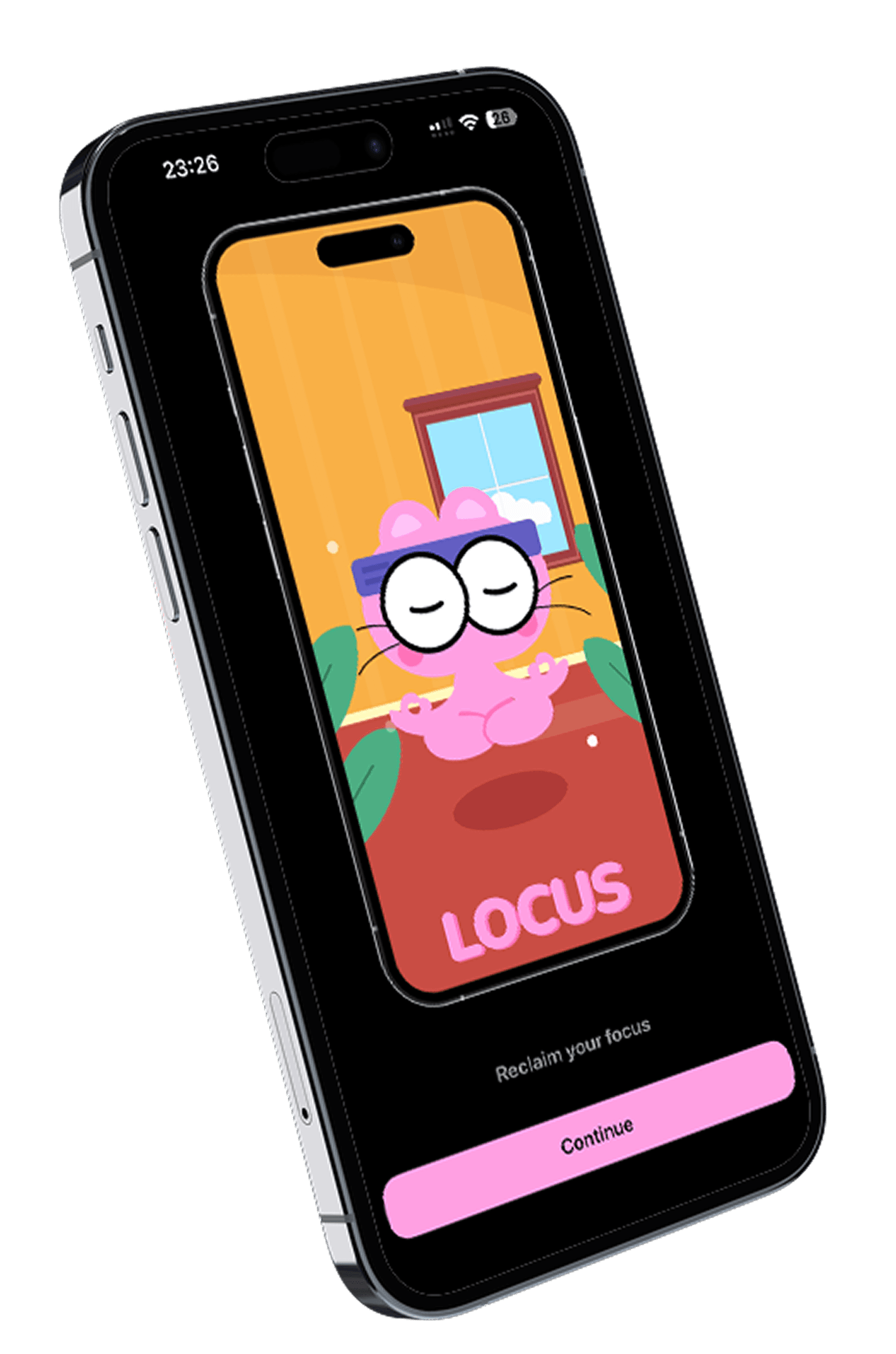
Lock in attention. Focus with intent.

Locus helps people start deliberate focus sessions, reduce distracting app access, and understand daily screen-time patterns without turning the experience into noise.

This landing page is tuned for App Store review: the product explanation is direct, support and privacy routes stay visible, and preview screens are clearly marked as illustrative.

App Store

Coming soon

SupportPrivacy

Screen Time aware

Locus relies on Screen Time authorization to apply focus restrictions and show usage patterns.

Private by default

The product explanation, support route, and privacy posture are visible without extra digging.

Built for routine

Designed for people who want calmer work blocks instead of another noisy productivity feed.

Friday 9:04Locus

Focus session

Work block

46:12

Remaining

Paused

3 apps

Next break

9:50 AM

InstagramYouTubeSafari

Start focused sessions

Choose a window, confirm which distractions should pause, and begin with a single deliberate action.

Control distracting apps

Use Screen Time powered restrictions to keep selected apps out of the way while you work.

Review screen-time patterns

See how the day moved, where attention drifted, and when your strongest focus blocks happened.

Illustrative preview

Fabricated screens that show the intended app shape

These mockups are intentionally labeled and should be read as product direction, not final App Store captures.

Need a walkthrough?

Illustrative preview

Focus timer

Session
Tuesday 8:30Focus live

Morning lock-in

46:12

Remaining

InstagramYouTubeSafari

Blocked now

3 apps

Next break

9:15 AM

A single home screen for starting a focus block, checking time remaining, and confirming which apps are currently paused.

Illustrative preview

Blocked apps

Blocking

Focus schedule

Block list

Active

Instagram

Social

Paused

TikTok

Short videos

Paused

Reddit

Forums

Paused

Safari

Selected websites

Paused

Session rule

Apply blocking during weekday focus windows and manual sessions.

A simple list for defining distractions, understanding what category each app belongs to, and seeing whether a session rule is active.

Illustrative preview

Habit view

Habit

Weekly rhythm

Streaks

M
T
W
T
F
S
S

Current streak

12 days

Deep work

3h 40m

A weekly rhythm screen that keeps streaks and consistent work blocks visible without turning the app into a game.

Illustrative preview

Daily summary

Summary

Today

Screen summary

Calm day
Focused apps2h 54m
Neutral apps1h 18m
Distracting apps24m

Reflection

Your best window started before noon. Locus suggests reusing the same block tomorrow.

A lightweight wrap-up that separates focused time from distracting time and points to the best window to repeat tomorrow.

Permissions and trust

A straightforward review surface

Locus is presented here with the practical details reviewers and early users usually need first: what permissions matter, what the product is trying to help with, and where support lives if anything needs clarification.

Permission scope

Locus requests Screen Time access so it can apply blocking rules and present screen-time summaries that matter to the user.

Support path

Questions, account requests, and review follow-ups route directly to a single support inbox with no placeholder contact flow.

Who it is for

Students, solo workers, and anyone trying to protect a quiet work session from habitual scrolling.

Support path

Questions can route through a real inbox now

The App Store link stays inactive until the listing exists, but support and privacy are already live at uselocus.app.